
Hands-On: AIGoMoon's Browser Image Compressor, 88% Smaller
We stress-tested AIGoMoon's local tools: an 800px JPG shrank from 74.9KB to 8.7KB with Canvas-only processing, zero uploads — plus the bilingual daily word game.
🧪 The Setup: Three Tests, One Rule
We have been shipping a small family of fully local browser tools on AIGoMoon — no accounts, no uploads, no external API calls. That last part is the rule we tested against: your data never leaves the browser tab. Here is what a launch-day stress test of the newest three actually showed.
🗜️ Test 1: The Image Compressor — 74.9KB to 8.7KB
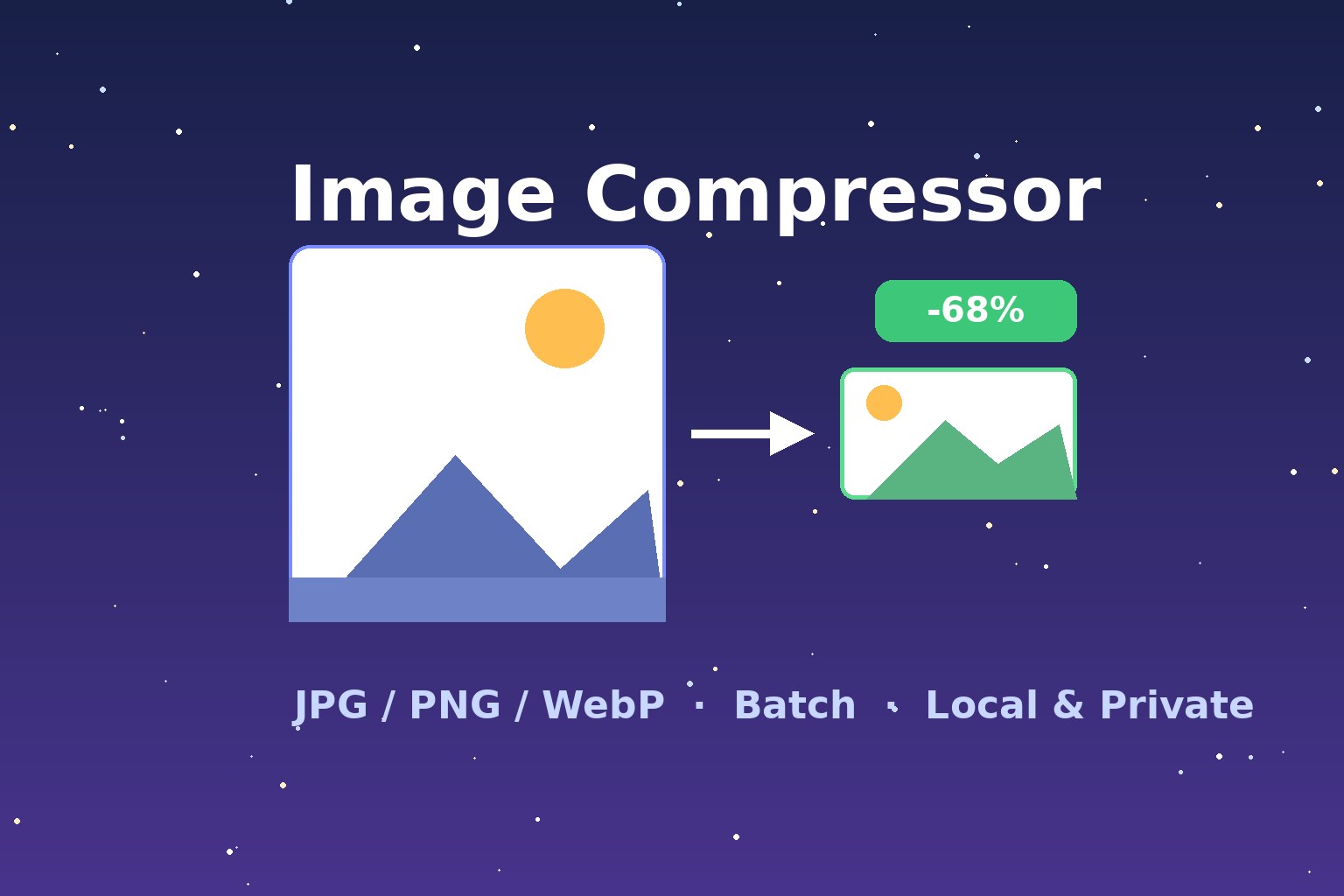
The headline test: an 800-pixel-wide JPG weighing 74.9KB went in; with the quality slider at 40 and output format switched to WebP, it came out at 8.7KB — an 88% reduction with no visible difference at normal viewing size. The before/after thumbnails render side by side with persistent Before/After labels, so you can always tell which is which.
The full feature set held up under testing:
- Batch mode: up to 20 images at once, 25MB per image — the queue kept both thumbnails rendering correctly throughout.
- Quality slider (0–100) plus format conversion between JPG, PNG, and WebP.
- Resizing by percentage or longest edge, with per-item size and savings shown for every file.
- Downloads: single-file save or the whole batch as a ZIP, generated entirely in the browser.
- Mobile check: at 390px viewport width, zero horizontal overflow — both comparison images stay on screen.
Everything runs on the Canvas API locally. Unlike typical online compressors, there is no server round-trip: no photo of your ID, your kid, or your client's unreleased product ever touches anyone's upload endpoint.
🎮 Test 2: The Daily Word Guess — Two Games in One Switch
The second test subject is our bilingual daily puzzle. The neat part is the design: the site language decides the game. In English you get a 5-letter Wordle-style board with an on-screen keyboard; switch to Chinese and it becomes a 4-character idiom puzzle with a pinyin-grouped selection board. No mode tabs, no confusion.
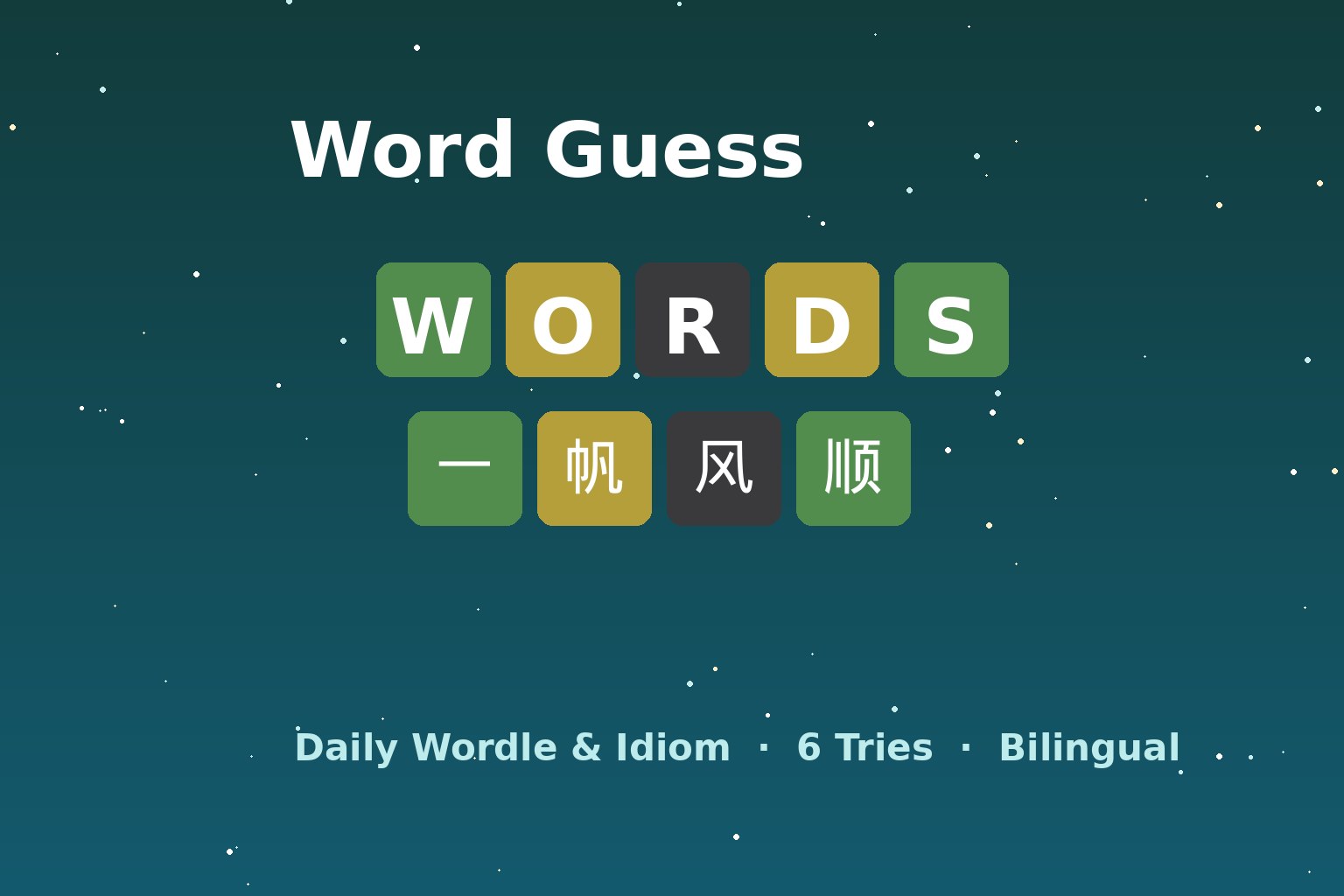
Each day brings one puzzle per language (same for everyone, UTC+8), you get six tries with the familiar green/yellow/gray feedback, and the word banks carry 59 English words and 60 Chinese idioms — each with bilingual definitions, so losing still teaches you something. Streak and win-rate stats live in local storage, and the emoji-grid share button works exactly as it should. During testing we also verified the fix cycle from earlier versions: the ⌫ Delete and Submit ⏎ buttons are now unmistakable on both language boards.
🧩 The Rest of the Local Family
These two join an already-live lineup of zero-upload tools on the site: the AI background remover (one-click cutouts running in-browser), the color blindness test (Ishihara-style plates generated on the fly), the QR code generator, and the classic 2048 game. All of them share the same promise: open the page, use the tool, close the tab — nothing stored, nothing transmitted.

🎯 What We Learned Testing Our Own Tools
Three takeaways from the sessions. First, 88% is the number to remember: for web-ready images, quality 40 + WebP is the sweet spot in our tests — most website use cases do not need more than that. Second, local-first is now a feature, not a compromise: Canvas-based compression is instant, works offline, and costs nothing to run at scale. Third, visible affordances beat clever UI: the comparison labels and explicit action buttons were the two changes users noticed most across test rounds.
One more observation worth passing along: because nothing is uploaded, the tools work identically on a plane, behind a firewall, or on a flaky hotel connection — if the page loads, the tool works. That reliability is easy to underestimate until you have watched a spinner fail on a server-based tool at the worst possible moment.
Try them yourself: every tool is free, bilingual, and one click from the homepage. If something breaks or feels off, that is exactly the kind of feedback that shapes the next iteration.